

In the competitive realm of Arc Raiders, auditory cues can mean the difference between victory and defeat. Understanding and tuning your audio settings for maximum clarity is vital, especially when it comes to detecting enemy movements. This guide will delve into optimal audio configurations that will enhance your ability to hear footsteps, even through walls, ensuring you maintain the upper hand in tense encounters. With precise settings, you can better anticipate enemy actions, making your gameplay more strategic and informed.

Understanding Audio Settings
Before diving into specific tuning recommendations, it’s essential to grasp the fundamentals of audio settings in Arc Raiders. The game utilizes a complex audio engine that simulates realistic sound propagation, including the ability to hear footsteps through various materials. This is crucial for tactical gameplay, as sound cues provide valuable intel on enemy positioning. Players can adjust settings such as volume levels, equalization, and environmental sound effects to optimize their auditory experience. Fine-tuning these parameters can significantly enhance your awareness of the battlefield.
Recommended Audio Configuration

To achieve the best directional audio for hearing footsteps, consider the following recommended settings. Start by adjusting your master volume to around 80% to ensure all sounds are perceptible without distortion. Next, set the music volume to 0% to eliminate distractions and focus solely on environmental sounds. For voice chat, keep it at 50% to maintain communication without overpowering game sounds. The most crucial adjustment is in the equalization settings, where you should enhance the mid and high frequencies, as these ranges are where footsteps are most pronounced. Here’s a quick reference table for easy adjustments:
| Setting | Recommended Value |
|---|---|
| Master Volume | 80% |
| Music Volume | 0% |
| Voice Chat Volume | 50% |
| Equalization | Boost Mid/High Frequencies |
Utilizing Surround Sound
If your audio hardware supports it, enabling surround sound can provide a significant advantage in pinpointing enemy locations. Surround sound technologies like Dolby Atmos or DTS:X create a 3D audio environment that accurately simulates spatial awareness. This feature allows players to discern the direction of footsteps, even when they are muffled by walls or other obstacles. Ensure that your sound settings in Arc Raiders are configured to utilize the surround sound capabilities of your headset or speakers. Doing so will greatly enhance your ability to react to threats that may otherwise go undetected.
Practicing Sound Awareness
After adjusting your settings, practice is key to mastering sound awareness in Arc Raiders. Spend time in lower-stakes environments, such as training modes or against AI opponents, to familiarize yourself with the audio cues. Listen for subtle variations in footsteps that indicate enemy actions, such as sprinting or crouching. Consider using the following strategies to improve your sound recognition:
- Engage in regular gameplay sessions focusing on sound detection.
- Play with teammates who can provide feedback on your audio awareness.
- Record gameplay to analyze your decision-making based on audio cues.
- Participate in community discussions about audio strategies.
Final Thoughts on Audio Mastery
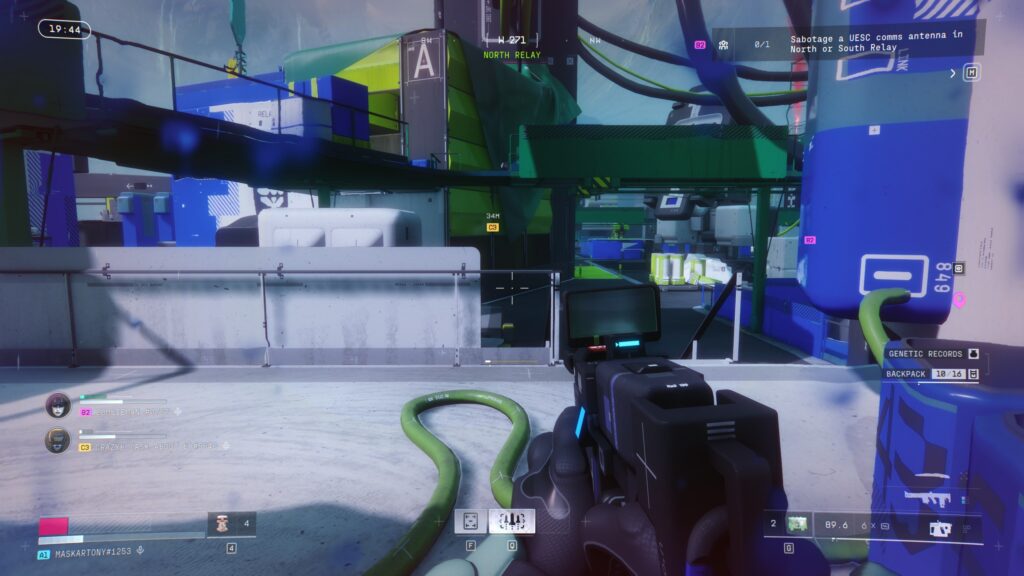
In conclusion, mastering the audio settings in Arc Raiders is a critical component of competitive gameplay. By carefully adjusting your audio configuration, enabling surround sound, and practicing sound awareness, you can significantly improve your ability to hear enemy footsteps through walls. Remember that while audio cues are vital, they should complement visual awareness and strategic positioning. By integrating these elements, you’ll enhance your overall gameplay and set yourself up for success in the ever-challenging world of Arc Raiders.
Leave a Reply